
How to Promote an Android App and Earn Money From It
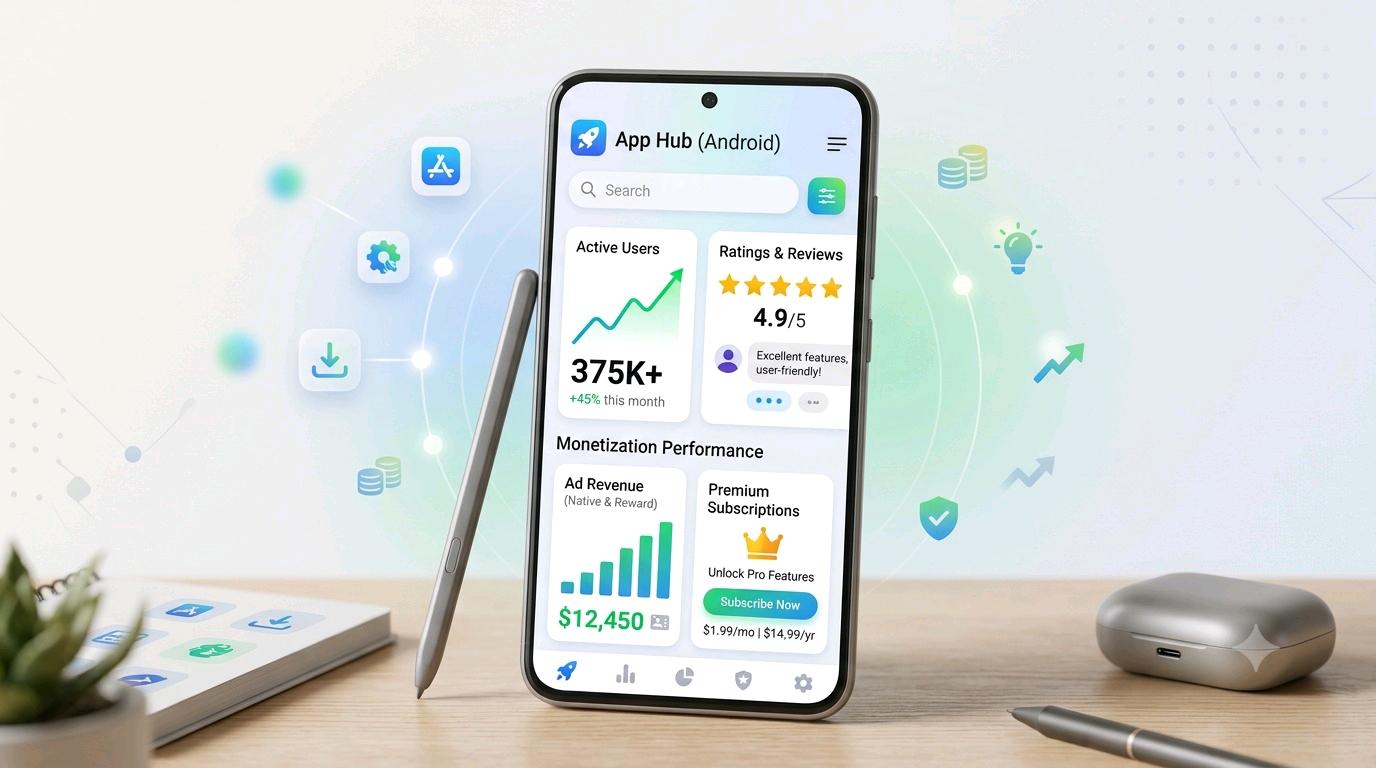
Creating an Android app is only the beginning. The bigger challenge is getting the app in front of the right users, building trust, collecting genuine ratings and reviews, and creating a sustainable monetization strategy.
Google Play considers several signals when helping users discover apps, including relevance, app quality, user feedback and engagement. Google also emphasizes technical quality, usability, stability and a good store listing experience.
1. How to Get Your Android App in Front of More People
The first step is to clearly define who should use your app and what problem it solves. An app that tries to serve everyone often has a less-focused marketing message.
Optimize the Google Play Store Listing
Your app title, short description, full description, icon, screenshots and other visual assets should accurately explain what the app does. Google says these elements are part of the pre-install experience and contribute to how app quality is understood.
- Choose a clear and memorable app name.
- Write a simple short description explaining the main benefit.
- Use high-quality screenshots showing real app features.
- Create an attractive but honest app icon.
- Explain important features using natural search terms.
- Keep the store listing consistent with the actual app.
Promote Through Useful Content
You can create tutorials, how-to articles, demonstration videos, short educational posts and social content around the problem your app solves. Instead of simply saying “Download my app”, show people why the app is useful.
For example, if your app helps users organize tasks, publish content such as “How to Organize Daily Tasks on Android” and demonstrate how your app solves that problem.
Use Communities Carefully
Relevant online communities can introduce your app to people who actually need it. Avoid spam. Share useful information first and mention your app only where promotion is appropriate.
2. How to Get Genuine App Ratings
Ratings are important because users often consider them before installing an app. Google Play also uses ratings and reviews as part of its understanding of an app's quality and user experience.
The goal should not be to force users to give five stars. The goal should be to create a good experience and make it easy for satisfied users to provide honest feedback.
Ask at the Right Moment
Do not immediately ask for a rating when the user opens the app for the first time. Let the user experience an important feature first.
For example, after a user successfully completes a useful task, you can provide a simple and non-deceptive opportunity to rate the app. Google provides an in-app review API for this purpose.
Avoid: “Give us 5 stars and receive a reward.”
Google Play specifically prohibits offering incentives in exchange for ratings or reviews.
3. How to Get Better User Reviews
A review is more valuable when it reflects a real experience. The best way to increase positive reviews is therefore to improve the product itself.
Improve the Problems Users Mention
Read reviews regularly and look for repeated complaints. Users may mention slow performance, crashes, confusing navigation, missing features, excessive advertisements or problems with a particular device.
Play Console provides rating and review analysis tools, including breakdowns by app version, device type, Android version and other dimensions.
Reply Professionally
When someone reports a problem, respond politely and focus on solving the issue. Do not argue with users or pressure them to change their rating.
Google recommends keeping replies focused on the issue raised rather than asking users for a higher rating.
4. How to Monetize an Android App
There is no single monetization model that works for every app. The right choice depends on the app's audience, usage pattern and value.
| Monetization Model | How It Works | Suitable For |
|---|---|---|
| Advertising | Display ads inside the app | Apps with regular free users |
| Premium Upgrade | Users pay to unlock additional features | Utility and productivity apps |
| Subscriptions | Users pay repeatedly for ongoing benefits | Apps with continuing value |
| One-Time Purchases | Users purchase individual digital features or content | Apps with premium digital content |
Option 1: Advertising
Google AdMob can be used to display advertisements in Android apps and create advertising revenue. Different ad formats can be used depending on the user experience.
However, advertisements should not make the app difficult to use. Excessive or badly timed ads can frustrate users and may damage retention and ratings.
Option 2: In-App Purchases
Google Play Billing allows eligible Android apps to sell digital products and content through one-time purchases or subscriptions.
Examples include premium features, additional digital content, advanced tools or subscription-based functionality.
Option 3: Subscriptions
A subscription can work when the app provides continuing value. Users should clearly understand what they receive and why the ongoing service is useful.
For digital purchases, Google recommends securely processing and verifying purchases before granting the associated entitlement.
Option 4: Freemium Model
The freemium approach provides a useful free version while offering optional premium features. This can be a practical model when users need to experience the app before deciding whether to pay.
Free useful experience → Build trust → Offer valuable premium features → Keep pricing and benefits clear → Improve the product continuously.
5. How to Build Long-Term App Growth
Getting the first users is only the beginning. Long-term growth comes from retention, product quality, useful updates and genuine user satisfaction.
Track Technical Quality
Monitor crashes, slow starts, performance problems and other technical issues. Google Play provides Android vitals and related monitoring tools to help developers identify problems affecting the user experience.
Update the App Regularly
Updates should have a purpose. Fix bugs, improve performance, make navigation clearer and introduce useful features based on genuine user needs.
Study Your Reviews
Reviews can reveal what users like and what prevents them from enjoying the app. Look for repeated themes rather than reacting emotionally to a single comment.
Measure the Complete Funnel
A useful growth funnel is:
- Discovery: People find your app.
- Store Visit: They examine the listing.
- Install: They decide to try it.
- Activation: They complete an important action.
- Retention: They continue using it.
- Feedback: They provide genuine ratings or reviews.
- Monetization: Some users purchase or generate advertising revenue.
If many people visit the listing but few install, improve the listing. If many install but quickly uninstall, investigate onboarding and app quality. If users stay but revenue is low, reconsider the monetization model.
What You Should Never Do to Increase App Ratings
- Do not buy fake five-star reviews.
- Do not use automated services to generate ratings.
- Do not repeatedly rate your own app using different accounts.
- Do not offer rewards specifically for positive ratings.
- Do not pressure users into leaving a review.
- Do not post misleading reviews pretending to be real users.
These practices can violate Google Play policies and can damage user trust.
Simple Android App Growth Strategy
Step 2: Test it with real users.
Step 3: Fix crashes and usability problems.
Step 4: Create an accurate, attractive Play Store listing.
Step 5: Promote it through useful content and relevant audiences.
Step 6: Ask for honest feedback at appropriate moments.
Step 7: Analyze ratings, reviews and technical performance.
Step 8: Monetize without damaging the user experience.
Step 9: Continue improving based on real user needs.
Frequently Asked Questions
How can I get more users for my Android app?
Improve the app's quality, optimize the Google Play listing, create useful content around the problem your app solves, and promote it to relevant audiences. A useful product that users recommend can support organic discovery.
Can I buy five-star ratings for my app?
No. Buying or otherwise manipulating ratings and reviews is prohibited by Google Play policy. Ratings should come from genuine users and genuine experiences.
When should I ask users for a review?
Ask after the user has experienced a meaningful part of the app, rather than immediately after installation. Google provides an in-app review API for requesting feedback within the app.
Can an Android app earn money from advertisements?
Yes. Developers can use advertising platforms such as Google AdMob to monetize eligible apps with advertisements. The advertising experience should remain reasonable and should not interfere unnecessarily with the app's core functionality.
Can I sell premium features inside my Android app?
Yes. Google Play Billing supports digital in-app products and subscriptions, subject to applicable policies and program requirements.
Which monetization model is best?
It depends on the app. Advertising may work well for apps with a large free audience, while premium features or subscriptions can work better when the app provides clear ongoing value.
Final Conclusion
Growing an Android app is not simply about getting thousands of installs. Sustainable success comes from building a useful product, improving technical quality, reaching the right audience, earning genuine ratings and reviews, and choosing a monetization model that respects users.
Focus first on value and user experience. Once people genuinely enjoy using your app, promotion, positive feedback, retention and monetization become much easier to build around that foundation.