
Lenovo Tab Plus 11.5 Inch Tablet Review – Big 2K Display, Powerful Audio & 8GB RAM
The Lenovo Tab Plus is designed for users who want a large display, smooth performance, powerful sound and long battery life in one stylish Android tablet.
With an 11.5-inch 2K 90Hz display, MediaTek Helio G99 processor, 8GB RAM, up to 256GB storage and eight JBL speakers with Dolby Atmos, it is aimed at entertainment, study and everyday productivity.
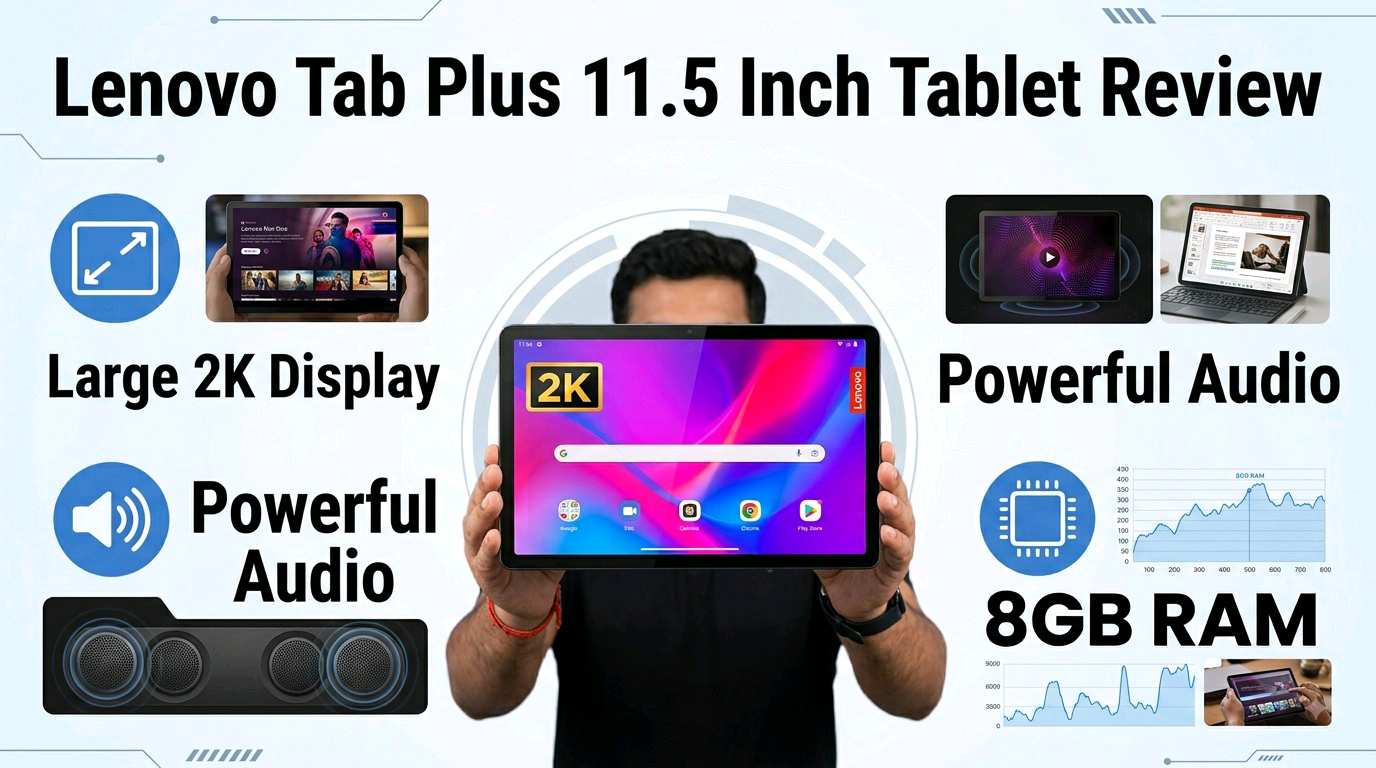
✨ Lenovo Tab Plus at a Glance
🖥️ 11.5-inch 2K Display – Big and Immersive
The biggest attraction of the Lenovo Tab Plus is its 11.5-inch 2K display. The 2000 × 1200 resolution provides a spacious viewing area for movies, online classes, eBooks, browsing and documents.
The display supports a 90Hz refresh rate and up to 400 nits typical brightness. The higher refresh rate can make scrolling and compatible animations feel smoother than a standard 60Hz screen.
For students, the large screen is useful for reading PDFs and attending online classes. For entertainment lovers, the bigger panel provides a more comfortable viewing experience than a smartphone.
⚡ MediaTek Helio G99 Performance
The Lenovo Tab Plus is powered by the MediaTek Helio G99 octa-core processor. It is designed to provide balanced performance while keeping power consumption under control.
With 8GB LPDDR4X RAM, the tablet can handle everyday applications such as web browsing, video streaming, online classes, document editing, social media and multitasking.
Casual gaming is also possible, although users looking for a tablet specifically for demanding high-end gaming may want a more powerful device.
💾 128GB & 256GB Storage Options
The Lenovo Tab Plus is available with 128GB or 256GB UFS 2.2 internal storage, depending on the model.
For users who store many photos, videos, documents and offline movies, the tablet also supports microSD expansion. Lenovo lists support for expandable storage up to 1TB on its product information.
🔊 Eight JBL Speakers with Dolby Atmos
Audio is one of the strongest features of the Lenovo Tab Plus. Lenovo has equipped the tablet with eight JBL speakers tuned with Dolby Atmos.
This setup makes the tablet especially interesting for people who watch movies, listen to music, watch YouTube videos or attend online classes without headphones.
The tablet is therefore not only a productivity device but also a strong entertainment-focused Android tablet.
🔋 8600mAh Battery with 45W Charging
The Lenovo Tab Plus comes with an 8600mAh battery and supports up to 45W fast charging.
Lenovo states that the tablet can provide up to around 12 hours of video playback or web browsing under its testing conditions. Actual battery life will vary according to brightness, applications, network conditions and usage.
📷 Camera Setup
The Lenovo Tab Plus features an 8MP rear autofocus camera and an 8MP front fixed-focus camera.
The cameras are designed primarily for practical tablet tasks such as video calls, online classes, document scanning and basic photography rather than professional photography.
🤖 Android 14 & Lenovo ZUI
The Lenovo Tab Plus launched with Android 14 and Lenovo ZUI. Lenovo has also stated that the device is eligible for OS upgrades up to Android 16, along with security updates according to its applicable support policy.
The interface provides useful features such as split-screen and multi-window functionality, making the large display more useful for productivity.
🎬 Entertainment & Stand Mode
A unique feature of the Lenovo Tab Plus is its integrated kickstand. It allows the tablet to stand on a desk or table without requiring a separate stand.
This is particularly useful when watching movies, following cooking videos, attending online classes or using the tablet as a digital display.
📋 Lenovo Tab Plus Specifications
| Display | 11.5-inch 2K IPS LCD |
|---|---|
| Resolution | 2000 × 1200 pixels |
| Refresh Rate | 90Hz |
| Brightness | 400 nits typical |
| Processor | MediaTek Helio G99 Octa-Core |
| RAM | 8GB LPDDR4X |
| Storage | 128GB / 256GB UFS 2.2 |
| Expandable Storage | MicroSD support |
| Rear Camera | 8MP autofocus |
| Front Camera | 8MP fixed focus |
| Battery | 8600mAh |
| Charging | Up to 45W |
| Speakers | 8 JBL speakers with Dolby Atmos |
| Operating System | Android 14 |
| Connectivity | Wi-Fi 5, Bluetooth 5.2 |
| Color | Luna Grey |
| Weight | Approximately 650g with stand |
👍 Pros & 👎 Cons
👍 Pros
- Large 11.5-inch 2K display
- Smooth 90Hz refresh rate
- Power-efficient Helio G99 processor
- 8GB RAM
- 128GB and 256GB storage options
- 8600mAh large battery
- 45W fast charging
- Eight JBL speakers with Dolby Atmos
- Built-in kickstand
- MicroSD expansion support
👎 Cons
- Wi-Fi-only connectivity
- Not designed for flagship-level gaming
- Cameras are mainly suitable for basic use
- Pen is an optional accessory
- Large body may not suit users who prefer compact tablets
🎓 Is Lenovo Tab Plus Good for Students?
Yes. The large display, 8GB RAM, long battery life and built-in kickstand make the Lenovo Tab Plus a useful device for online classes, PDF reading, educational apps and video lectures.
Students can also use split-screen functionality to read a document while taking notes or browsing reference material.
💼 Is It Good for Work?
For everyday productivity, the Lenovo Tab Plus can handle email, web browsing, document editing, video meetings and cloud-based applications.
Its large screen provides more workspace than a smartphone, while the relatively portable design makes it easier to move between rooms or carry during travel.
🎮 Is Lenovo Tab Plus Good for Gaming?
The Helio G99 and 8GB RAM are capable of handling casual and moderately demanding games. However, the Lenovo Tab Plus is primarily an entertainment and productivity tablet, not a dedicated high-end gaming tablet.
For the best experience, demanding games may need reduced graphics settings.
❓ Frequently Asked Questions
🏁 Final Verdict
The Lenovo Tab Plus 11.5-inch is an attractive choice for users who want a large-screen Android tablet with strong audio, smooth everyday performance and long battery life.
Its combination of a 2K 90Hz display, Helio G99 processor, 8GB RAM, up to 256GB storage, 8600mAh battery, 45W charging and eight JBL Dolby Atmos speakers makes it especially appealing for entertainment, study and everyday productivity.
If your priority is a tablet for movies, music, online classes, reading, browsing and office work, the Lenovo Tab Plus is certainly worth considering.