
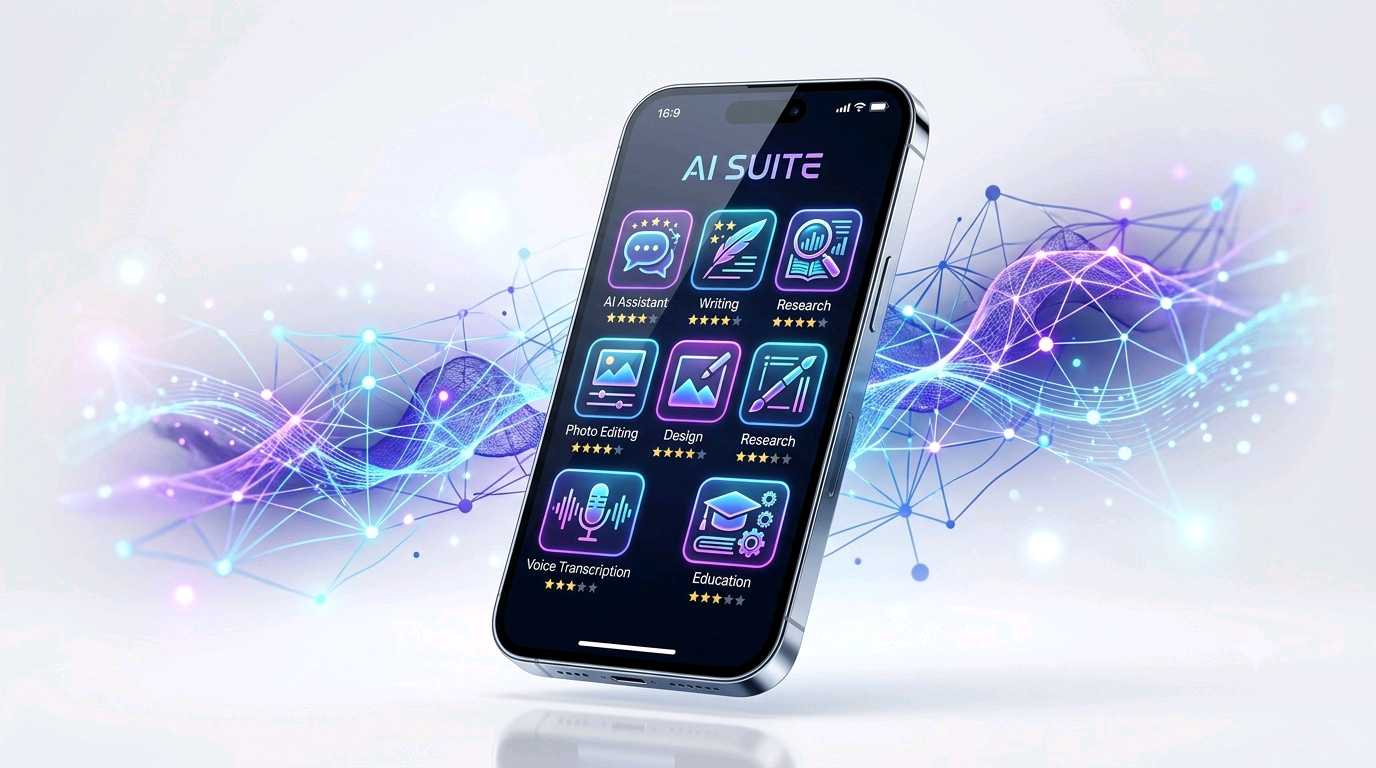
Artificial Intelligence is no longer limited to computers or laboratories. Today, AI can help with writing, research, voice transcription, photo editing, learning, design, productivity and many everyday tasks directly from a mobile device. If you use an iPhone or iPad, the App Store provides many AI-powered applications, but choosing the right one depends on what you actually want to do. This guide explains the useful features, practical uses, interesting AI facts and important points to consider before installing an AI application.
Best AI Applications for the App Store: A Complete Guide
Main Topics
What Can AI Apps Actually Do?
AI applications are software tools that use artificial intelligence models to understand information, recognize patterns, generate content or assist with specific tasks. Unlike traditional applications that mainly follow fixed instructions, modern AI tools can process natural language, images, audio and other types of information.
For example, an AI assistant can understand a question written in normal language and produce a conversational answer. An AI writing tool can examine a sentence and suggest a clearer version. An AI photo editor can identify objects in a photograph and help remove, enhance or modify them.
The important point is that AI is not one single technology. Different applications use different AI models and techniques depending on their purpose.
Common Uses of AI Applications
- Writing: Draft emails, improve sentences, summarize information and generate ideas.
- Research: Find information, organize topics and provide source-supported answers.
- Education: Explain difficult subjects, create practice questions and assist with learning.
- Photography: Improve images, remove unwanted objects and adjust photographs.
- Design: Create presentations, social media graphics and visual content.
- Meetings: Convert speech into text and create summaries or action points.
- Productivity: Help organize information, create plans and speed up repetitive tasks.
- Communication: Improve grammar, tone, clarity and written communication.
Interesting Facts About Artificial Intelligence
Interesting AI Fact: Modern AI can work with more than just written text. Depending on the application, an AI system may understand combinations of text, images, audio and other data. This is one reason mobile AI applications are becoming much more useful.
AI Does Not Think Exactly Like a Human
One common misunderstanding is that AI thinks in exactly the same way people do. It does not. AI models process patterns in data and generate outputs based on what they have learned and the instructions they receive.
This means an AI application can produce an impressive answer without actually having human consciousness, emotions or personal experiences. Users should therefore treat AI as a powerful assistant rather than an unquestionable authority.
AI Can Make Mistakes
Even advanced AI systems can sometimes produce incorrect, incomplete or misleading information. This can happen when the question is unclear, the available information is limited or the model incorrectly interprets the context.
For important subjects such as finance, legal matters, medical decisions, academic research or professional work, information generated by AI should be independently verified.
AI Works Best With Clear Instructions
The quality of an AI response often depends on the quality of the instruction. A short and vague request may produce a generic answer, while a clear request containing the desired format, audience and purpose can produce a much more useful result.
Simple prompt formula: Tell the AI what you want + why you need it + who it is for + the format you prefer.
Useful AI Applications Available on the App Store
There is no single AI application that is perfect for everyone. Some are better for conversation and research, some for writing, some for images, while others focus on meetings or creative work. The following categories can help you understand what each type of AI app is designed to do.
1. AI Assistant for Questions, Writing and Everyday Tasks
This type of AI application works like a digital assistant. You can ask questions in natural language, request explanations, brainstorm ideas, summarize text, write drafts, work with images and perform many other tasks depending on the features available in the application.
It can be useful for students, writers, professionals, researchers and everyday users. Instead of searching for separate tools for every small task, an AI assistant can provide help from one conversational interface.
How to use it
- Open the application and enter your request.
- Give clear instructions instead of using only one or two words.
- Ask follow-up questions when the first response is not enough.
- Provide relevant context for better results.
- Verify important information before using it professionally.
App name: ChatGPT
2. AI Search and Research Assistant
Some AI applications combine conversational AI with web-style search. They are particularly useful when you want a direct explanation together with links or citations that can help you investigate the topic further.
This type of tool can be useful for research, current information, comparison questions, product research and learning. Instead of opening many pages and reading everything manually, the AI can summarize information and help identify useful sources.
How to use it
- Ask a specific research question.
- Use follow-up questions to explore the subject.
- Check the cited sources when accuracy matters.
- Compare important claims with the original sources.
App name: Perplexity
3. AI Writing and Grammar Assistant
Writing-focused AI applications are designed to improve the quality of written communication. They can help identify grammar problems, spelling mistakes, unclear sentences and tone issues.
They are particularly useful for emails, assignments, business communication, social media posts, reports and everyday writing. Some tools also provide rewriting, text prediction and voice-related features.
How to use it
- Type directly using the AI-assisted keyboard where supported.
- Paste existing text for improvement.
- Ask the tool to make writing clearer or more concise.
- Review suggested changes instead of accepting every change automatically.
App name: Grammarly
4. AI Meeting and Voice Transcription Assistant
AI transcription applications can turn spoken conversations into searchable text. This is useful when you need to remember what was discussed during a meeting, lecture, interview or personal voice recording.
Modern transcription tools can go beyond simple speech-to-text. Depending on the service, they may create meeting summaries, identify important points, organize notes and help generate follow-up content.
How to use it
- Start recording or import supported audio.
- Allow the application to process the conversation.
- Review the generated transcript.
- Use summaries and highlighted points to save time.
- Check important names, numbers and technical terms manually.
App name: Otter
5. AI Graphic Design and Creative Content App
Creative AI applications can help users create presentations, social media graphics, posters, resumes, videos and other visual content. They are especially helpful for people who want professional-looking designs without advanced graphic-design skills.
AI can assist with design suggestions, image editing, background removal, content generation and creative workflows. Some modern creative platforms also provide AI-powered video-generation features.
How to use it
- Choose the type of design you want to create.
- Start with a template or a blank design.
- Describe the design you need using simple instructions where AI features are available.
- Adjust text, images, layout and branding manually.
- Review the final design before publishing.
App name: Canva
6. AI Photo Editing Application
AI has changed mobile photo editing by making complicated edits easier. Instead of manually selecting every object, AI-powered editing tools can identify subjects, remove unwanted elements, improve images and apply intelligent adjustments.
These features can be useful for photographers, social media creators, bloggers and ordinary smartphone users who want better-looking photographs.
How to use it
- Import a photograph.
- Choose an AI-powered editing feature.
- Let the application analyze the image.
- Adjust the result manually when necessary.
- Save a copy of the original photograph before major edits.
App name: Adobe Lightroom
Quick Comparison of AI App Categories
| AI App Type | Best For | Main Benefit |
|---|---|---|
| AI Assistant | Questions, writing, ideas | General-purpose help |
| AI Search | Research and information | Answers with sources |
| AI Writing Tool | Grammar and communication | Clearer writing |
| AI Transcription | Meetings and lectures | Speech-to-text notes |
| AI Design Tool | Graphics and content | Faster visual creation |
| AI Photo Editor | Photography | Intelligent image editing |
How to Choose the Right AI App
The best AI application is not necessarily the one with the most features. The better choice is the application that solves your particular problem without making the process unnecessarily complicated.
1. Identify Your Main Purpose
First decide what you want AI to do. If you need answers and writing help, choose an AI assistant. If research is your priority, an AI search tool may be more useful. For photography, choose an AI photo editor.
2. Check Privacy and Permissions
AI applications may process information that you provide, including text, photographs, audio or documents. Before using an application, check its privacy policy, permissions and data-handling information.
Privacy Tip: Avoid uploading passwords, financial information, private documents, identity documents or other sensitive information unless you fully understand how the application handles that data.
3. Check Free and Premium Features
Many AI applications offer a free version along with optional paid features. Before subscribing, understand exactly which features are included, whether usage limits apply and how subscription cancellation works.
4. Check App Store Information
The App Store listing can provide useful information about compatibility, supported devices, developer details, languages, age ratings, in-app purchases and privacy information. These details can change over time, so checking the current listing before installation is a good habit.
How to Get Better Results From AI Apps
- Be specific: Explain exactly what you want.
- Give context: Tell the AI about the purpose of your request.
- Specify the format: Ask for a table, list, summary or step-by-step answer.
- Use follow-up questions: Improve the result through conversation.
- Check facts: AI-generated information is not automatically correct.
- Protect privacy: Do not unnecessarily share confidential information.
- Review generated content: Human judgment remains important.
AI Apps Are Tools, Not Replacements for Human Judgment
AI can save time, generate ideas and simplify difficult tasks, but it should not always replace human decision-making. The best results often come from a combination of AI assistance and human review.
For example, a student can use AI to understand a difficult concept but should still learn the subject. A writer can use AI to improve a draft but should check facts and maintain their own voice. A professional can use AI to summarize information but should review important details before making a decision.
Best practice: Think of AI as a smart assistant that helps you work faster—not as a source that is automatically correct.
Frequently Asked Questions About AI Applications
What are AI applications?
AI applications are software tools that use artificial intelligence to understand information, recognize patterns, generate content or assist users with specific tasks.
Which type of AI app is best for everyday users?
A general AI assistant is usually the most flexible option because it can help with questions, writing, brainstorming, explanations and many other everyday tasks.
Can AI apps provide incorrect information?
Yes. AI applications can sometimes produce inaccurate or incomplete information. Important information should always be checked against reliable sources.
Are AI apps free to use?
Many AI applications provide free access, while advanced features may require a subscription or in-app purchase. Features and availability can vary by region and platform.
Can AI apps edit photographs?
Yes. Several AI-powered photo applications can enhance images, remove unwanted objects, apply intelligent adjustments and perform other automated editing tasks.
Can AI applications help students?
Yes. AI can help students understand concepts, summarize information, generate practice questions and organize study material. Students should still verify information and complete their learning themselves.
Is it safe to upload private information to an AI app?
You should be careful. Before uploading sensitive information, review the application's privacy policy and understand how the information may be stored or processed.
How should I choose an AI app from the App Store?
Consider your purpose, required features, privacy practices, compatibility, developer information, user feedback and whether the free or premium version meets your needs.
Conclusion
AI applications have made artificial intelligence practical for everyday mobile users. Whether you need help writing, researching, studying, designing, editing photographs or converting conversations into notes, there is likely an AI-powered application designed for that purpose.
The most important thing is not simply installing the most popular AI app. Instead, choose a tool based on your actual requirement, understand its features and privacy practices, and review important AI-generated information before relying on it.
AI technology will continue to evolve, but one principle will remain useful: the best results come when intelligent software and human judgment work together.
Disclaimer
This article is for general informational and educational purposes only. AI applications, features, compatibility, privacy practices, availability and subscription options may change over time and can vary by region or device. Always check the current App Store listing and the application's official information before installing, subscribing to or using an AI service. AI-generated information should be independently verified before being used for important personal, professional, financial, legal, medical or academic decisions.